Page 14 of 20
Re: The Dawn Of Ages[D,Gp]-Brown or Shade Cliffs
Posted: Fri Mar 05, 2010 8:02 pm
by natty dread
Although I think the bows still look like letter b:s, I also agree.

Re: The Dawn Of Ages[D,Gp]-Brown or Shade Cliffs
Posted: Fri Mar 05, 2010 8:58 pm
by RjBeals
agree. well done.
Re: The Dawn Of Ages[D,Gp]-Brown or Shade Cliffs
Posted: Sat Mar 06, 2010 4:27 am
by Kabanellas
Thanks RJ.
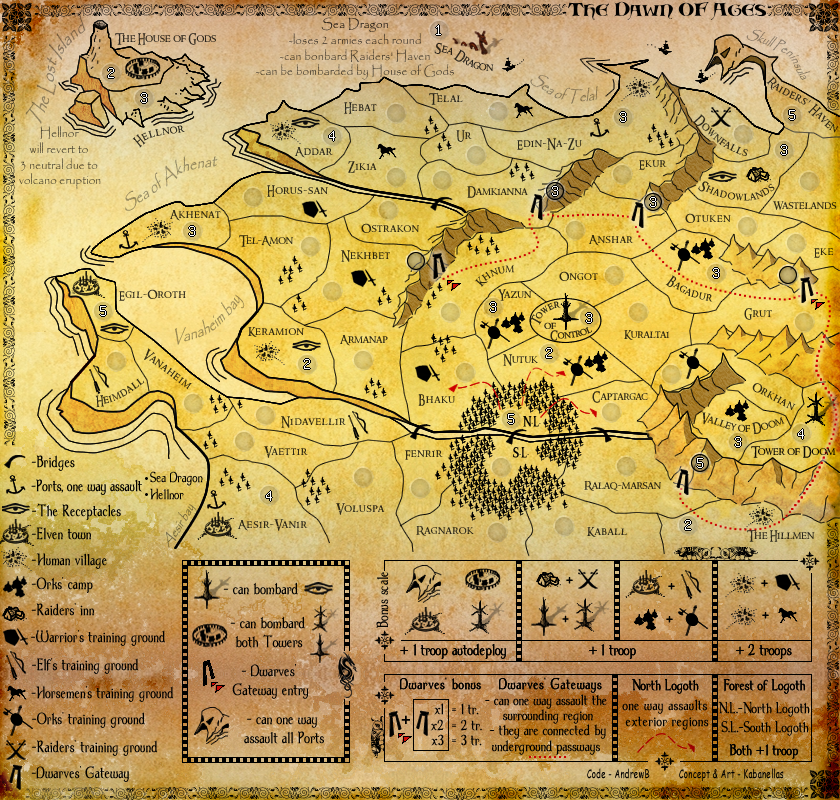
Ok! let's make it official- this is the chosen one:
- Click image to enlarge.
Re: The Dawn Of Ages[D,Gp]-Brown or Shade Cliffs
Posted: Sat Mar 06, 2010 8:47 am
by RjBeals
Yes. This map is ready for FF.
Re: The Dawn Of Ages[D,Gp]-Brown or Shade Cliffs
Posted: Sat Mar 06, 2010 1:00 pm
by AndrewB
Re: The Dawn Of Ages[D,Gp]-Brown or Shade Cliffs
Posted: Sat Mar 06, 2010 1:05 pm
by natty dread
here you go
*************
*__GFX__*
*_STAMP_*
* _______*
*************
Re: The Dawn Of Ages[D,Gp]-Brown or Shade Cliffs
Posted: Sat Mar 06, 2010 1:18 pm
by ghirrindin
Nope. Not ready. One of the Sea Dragon's functions reads "can bonbard Raiders' Haven."
Re: The Dawn Of Ages[D,Gp]-Brown or Shade Cliffs
Posted: Sat Mar 06, 2010 2:02 pm
by natty dread
ghirrindin wrote:Nope. Not ready. One of the Sea Dragon's functions reads "can bonbard Raiders' Haven."
Such things can be fixed in the final forge
Re: The Dawn Of Ages[D,Gp]-Brown or Shade Cliffs
Posted: Sat Mar 06, 2010 2:14 pm
by Kabanellas
ghirrindin wrote:Nope. Not ready. One of the Sea Dragon's functions reads "can bonbard Raiders' Haven."
hummm... maybe my English isn't that good.. but I don't see any error there..

P.S. - Thanks Natty for that elegant Stamp!!!

Re: The Dawn Of Ages[D,Gp]-Brown or Shade Cliffs
Posted: Sat Mar 06, 2010 5:00 pm
by ghirrindin
It's a total nitpick -- it's true.
Bombard is spelled with an N instead of an M in that one instance. It's something you can easily correct in a later update.
Re: The Dawn Of Ages[D,Gp]-Brown or Shade Cliffs
Posted: Sat Mar 06, 2010 7:01 pm
by thenobodies80
Hello Kab,
I have few suggestions for you:
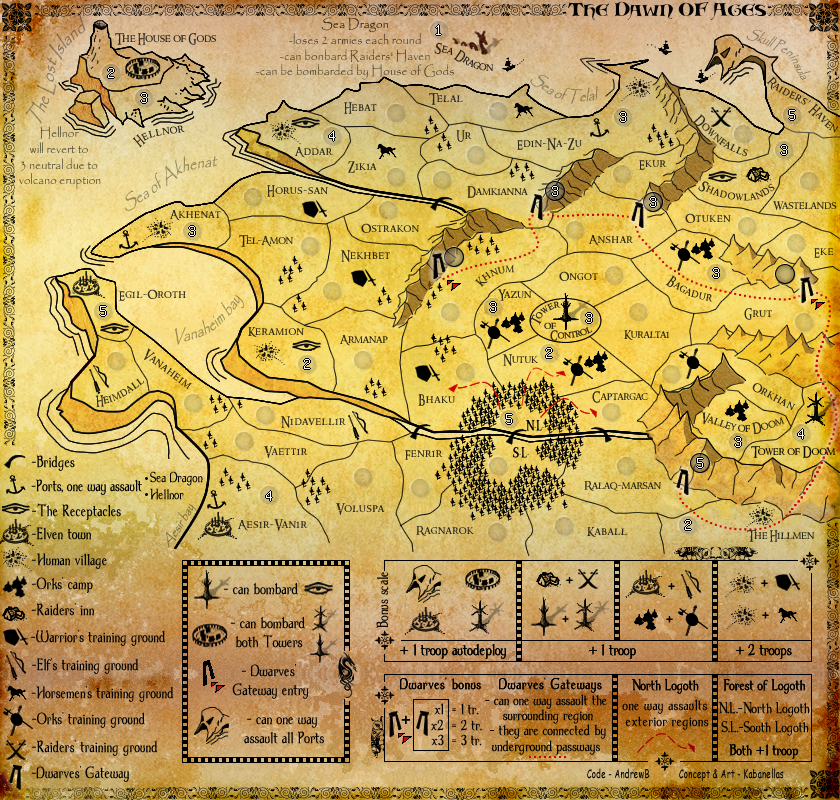
The outer black border looks very jagged in some points (highlighted in green, see the spoiler below), could you make it smoother?
Khnum gateway entry, i think you should move the army circle to the right side of the gate, not to have it on Nekhbet.
How Forest of Logoth looks like with 888 in the small version?
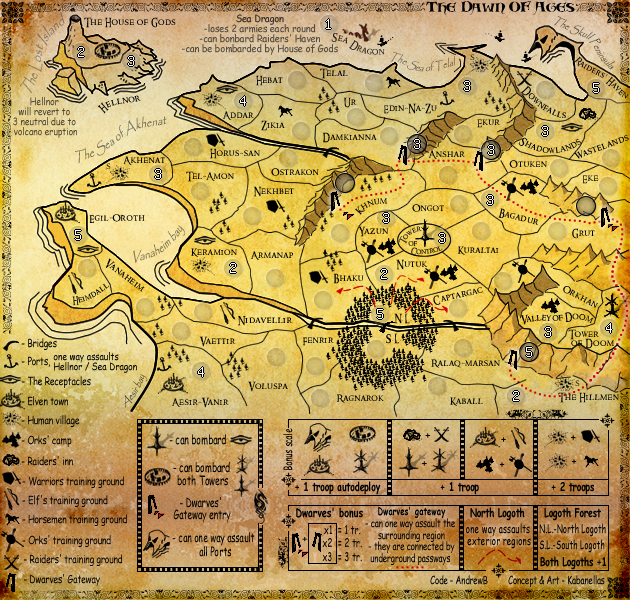
On your small version (not updated), you have Wastelands and Eke circles very close to the right edge, it might be a problem with colour codes activated/888
Time to update the small version, the Final Forge is around the corner
Nobodies
Re: The Dawn Of Ages[D,Gp]-Last version
Posted: Tue Mar 09, 2010 7:17 am
by Kabanellas
Re: The Dawn Of Ages[D,Gp]-Final version
Posted: Tue Mar 09, 2010 7:25 am
by natty dread
Nobodies, I can’t make those edge lines any smother... they are vectors with anti-aliasing and maximum smoothness applied.
Sure you can. If they are vectors, export them as a bitmap, then apply a convolution filter on them.
Re: The Dawn Of Ages[D,Gp]-Final version
Posted: Tue Mar 09, 2010 1:35 pm
by Kabanellas
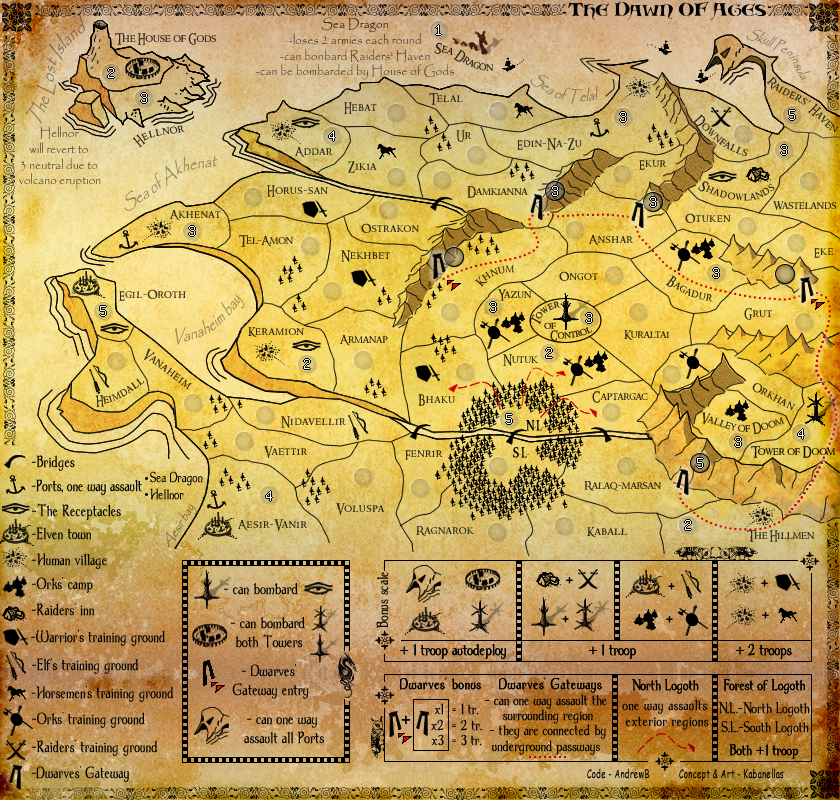
Not with bitmap natty, or you’ll lose the Alpha channel / transparency... I did export them as PNG to Photoshop and smooth it by hand...
This is the best I could do.... not sure if its better - Honestly I prefer the previous version...
- Click image to enlarge.
Re: The Dawn Of Ages[D,Gp]-Final version
Posted: Tue Mar 09, 2010 1:46 pm
by natty dread
I didn't mean bitmap as in a BMP file, I meant a bitmap as opposed to vector graphics. PNG is also a bitmap format.
Try a convolution filter. I've found it to be a good way to smooth lines and other small & thin things. I can't remember what it's called in photoshop, but it has this grid of 7 x 7 numbers which you can modify... you put the center number something like 11, the 8 numbers next to it 1, and all the others 0. Then set the divider into a total of all the numbers, and you should get a the lines smoothed nicely. You can adjust the central number and the divider until you're satisfied with the result.
Re: The Dawn Of Ages[D,Gp]-Final version
Posted: Wed Mar 10, 2010 1:35 pm
by Kabanellas
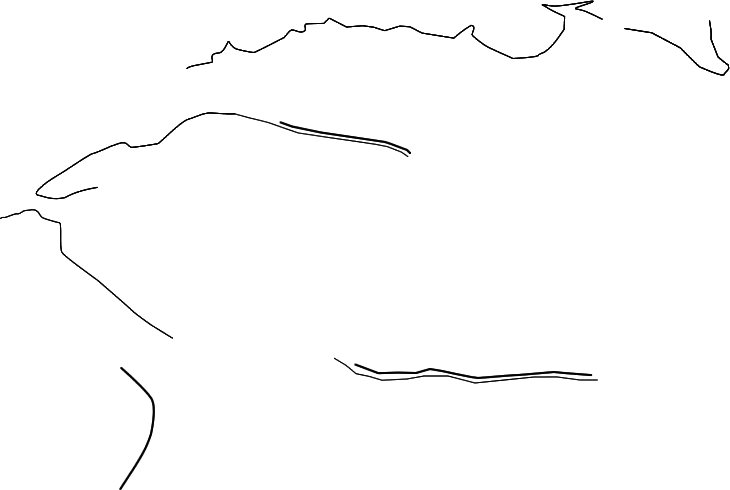
Natty, maybe you could give it a try....
- Click image to enlarge.
Re: The Dawn Of Ages[D,Gp]-Final version
Posted: Wed Mar 10, 2010 1:53 pm
by natty dread
Of course! Just a minute...
Re: The Dawn Of Ages[D,Gp]-Final version
Posted: Wed Mar 10, 2010 2:00 pm
by thenobodies80
What natty suggested could be a good solution, but i think you should apply it on the whole borders and not just parts of them because otherwise you might notice a difference
Re: The Dawn Of Ages[D,Gp]-Final version
Posted: Wed Mar 10, 2010 2:25 pm
by natty dread
Ok here's my first try... all of the lines didn't come out as I expected, but they can be finetuned... but see if they align first.
- Click image to enlarge.

Re: The Dawn Of Ages[D,Gp]-Final version
Posted: Wed Mar 10, 2010 2:33 pm
by natty dread
Here's another shot. For this, I took the original lines, resized them 2x with bicubic resampling, applied a convolution filter, then shrunk them back to original size with supersampling, and applied another convolution filter. This didn't grow the line thickness as much as the first try, but might have left some pixelation...

- Click image to enlarge.

Btw, put the line layer in multiply mode when you add them to your image, this reduces some of the pixelation and makes the lines look smoother...
Re: The Dawn Of Ages[D,Gp]-Final version
Posted: Wed Mar 10, 2010 4:52 pm
by porkenbeans
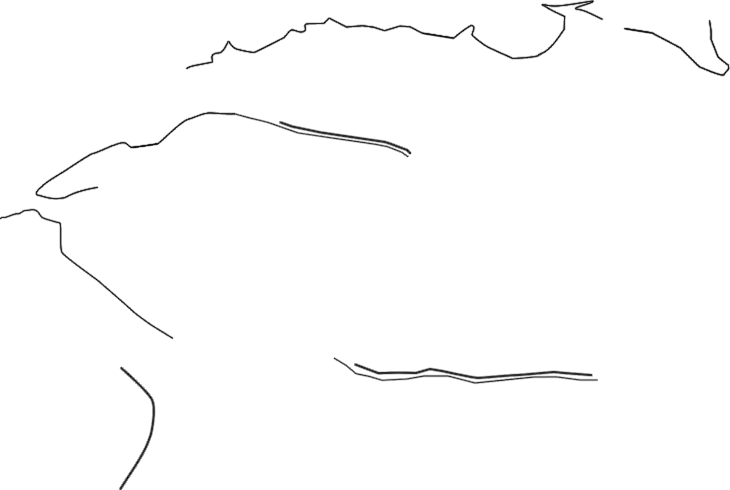
Sorry natty, but all you did was manage to blur the lines. this may seem to smooth them out a little, but the jagged lines are still there.
Re: The Dawn Of Ages[D,Gp]-Final version
Posted: Wed Mar 10, 2010 5:11 pm
by natty dread
porkenbeans wrote:Sorry natty, but all you did was manage to blur the lines. this may seem to smooth them out a little, but the jagged lines are still there.
It will look better when you blend them with multiply mode on the map. Probably. Worked for my map anyway...
Anyway there's not much else that can be done to them without redrawing them from scratch. They should be drawn with anti-alias from the beginning...
Re: The Dawn Of Ages[D,Gp]-Final version
Posted: Wed Mar 10, 2010 6:23 pm
by porkenbeans
- Click image to enlarge.
Re: The Dawn Of Ages[D,Gp]-Final version
Posted: Wed Mar 10, 2010 6:31 pm
by natty dread
You have pixelation there as well...
Re: The Dawn Of Ages[D,Gp]-Final version
Posted: Wed Mar 10, 2010 6:44 pm
by natty dread
OK this might work:
- Click image to enlarge.


 )
)