Aerial Attack wrote:I believe this will also work (rather than digging through your user directory for "bob"):
1. Click on Tools/GreaseMonkey/Manage User Scripts
2. Select "Conquer Club - BOB" (left pane)
3. Click on Edit (under left pane) 4. This opens a notepad file
It didnt do this for me, what happened
me either. but it did open another window from which i selected c/windows/notepad and that brought up the .txt file.
Aerial Attack wrote:I believe this will also work (rather than digging through your user directory for "bob"):
1. Click on Tools/GreaseMonkey/Manage User Scripts
2. Select "Conquer Club - BOB" (left pane)
3. Click on Edit (under left pane) 4. This opens a notepad file
It didnt do this for me, what happened
me either. but it did open another window from which i selected c/windows/notepad and that brought up the .txt file.
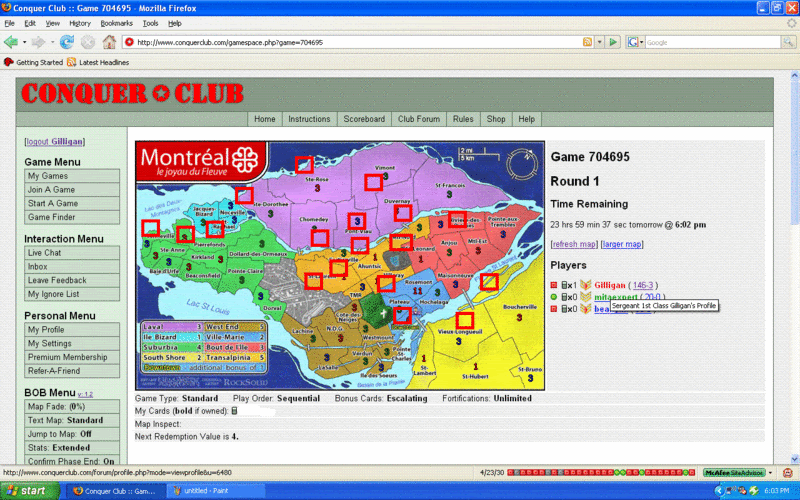
I can't even see some of the maps. The number of armies is displaying fine where each territory should be, but no map background. Works absolutely perfectly in Windows Internet Explorer 7.0 with no Greasemonkey script or Bob, but in Mozilla no maps apart from Classic and Africa. Anybody any idea what gives here?
In fact it seems to be in any team games I am in. My singles games seem fine. Nothing changes either if I turn Greasemonkey off.
ok..so i am not good on computers.... do i do the changing script thing (sounds scary!) or the new download thing? do i need to uninstall original bob script?
JerenYun wrote:Why can't a new version just get posted?
Gently JerenYun.
Remember you get this script for free. The author doesn't owe us anything.
We owe him gratitude and patience when things like this happen.
I believe the author also has other interests which he sometimes prioritises over ConquerClub. I understand one of these is 'life'.
Takes all sorts huh ?
Cicero
I'm not even talking about the author. I'm glad for the work done with that and don't just mean for him to upload anything, but for anyone that has a working copy. I've tried to make the changes to my own script and it still doesn't work. If someone has a working copy, could they just upload it to their own webspace?